

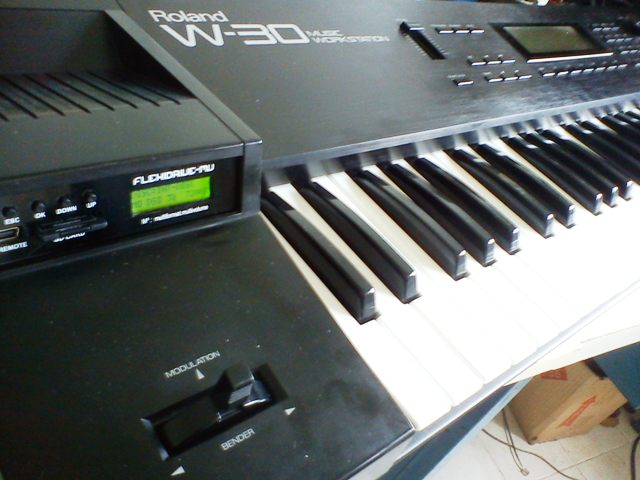
Roland W-30 Floppy Emulator
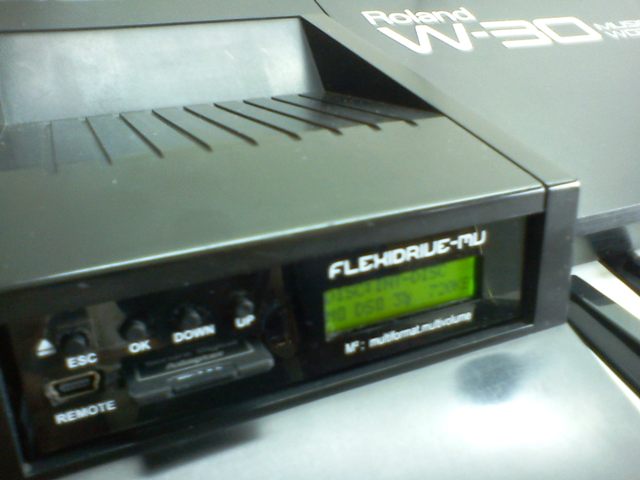
Roland W-30 FlexiDriveMV
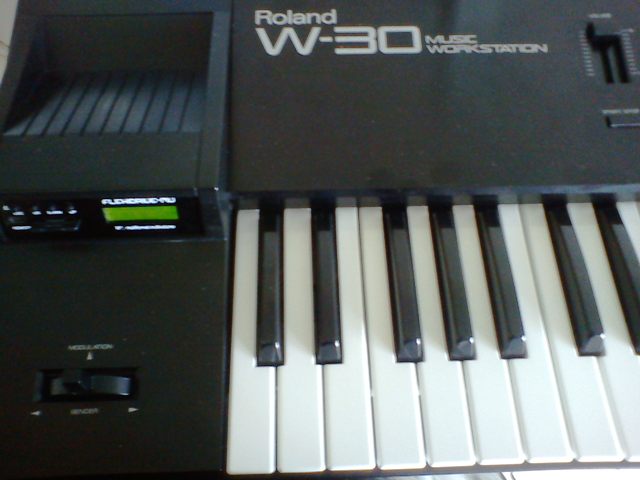
Roland W-30 Workstation
Roland W-30 Floppy Drive Update
All your songs, tracks, sequences, sounds, midi files in a single SD or Pendrive!
FlexiDrive floppy emulator running on Roland W-30.
You can storage up 2500 floppies on a single SD card or USB Pendrive.
FlexiDriveMV-SD
FlexiDriveMV-USB
View the Keyboards List
Share this with your friends


Hello! I’d like to know if you’re still selling the emulator, its price, and if it comes pre-installed with the Roland W30 operating system. Also, what do I need to do to transfer the sequence and sound data I currently have on floppy disks? Thanks!
Hi Fernando. Thank you for reaching out. yes, we still selling our FlexiDrive products. We can include on the USB flash drive a copy of the Roland W30 operating system disk, as well as several sound banks provided by other Roland W30 users.
We also include the WinImage software, which allows you to create your own digital copies of all your Roland W30 floppy disks and transfer them to the USB flash drive for use with FlexiDrive.
This way, you can preserve your original disks and conveniently access all your data from a single USB flash drive. We will send you more details to your email. Best regards,
The FlexiDrive Team
Any idea’s about a product which will work on a Roland D20 Synthesizer?
We can offer a solution with FlexiDrive to replace the floppy drive on your Roland D20.
For more information, please contact us by email to info@floppyemulator.com
Thank you and Best Regards. The FlexiDrive Support Team.
I would like more information of the replacement for the Roland W-30 drive and what I need to do to get the information I currently have of disk transferred to an updated system.
Hello Mr. Critney, FlexiDrive is perfect to replace the floppy drive unit on your Roland W30 and use a USB stick or a SD Card as media. We give you with the FlexiDrive the FlexiImage software tool to convert and copy all your existings Roland W30 floppies to the USB stick or SD Card. We are sending you more information to your email address. Thanks and Best Regards. The FlexiDrive Support Team
If I were to purchase one of these but still have all my old floppies, do you have ideas how I could transfer those floppies to the SD/USB? I’m assuming there’s not a way to hook this up to SCSI or a SCSI floppy reader to transfer, is there?
Hello Gary, FlexiDrive is perfect to replace the floppy drive unit on your Roland W30 and use a USB stick or a SD Card as media. We give you with the FlexiDrive the FlexiImage software tool to convert and copy all your existings Roland W30 floppies to the USB stick or SD Card. We are sending you more information to your email address. Thanks and Best Regards. The FlexiDrive Support Team
I have been trying to format the usb stick for this keyboard and the most I have achieved is the keyboard keep rebooting. Can you tell me how you format the usb drive to work with this machine?
if you can send me instructions it would be nice.
Hello MZEE, We will answer to your email address. Thanks and BR, The FlexiDrive Suppport Team.